Kitchen
10 levels, 78 stages
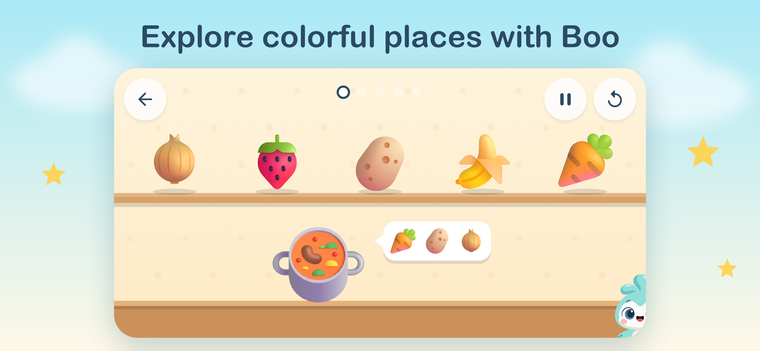
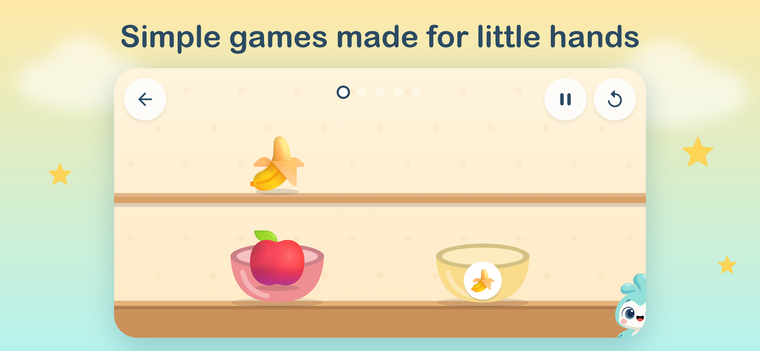
Sort fruit into bowls, fill baskets by colour and size, cook soups from a recipe, count, remember, wash then cook.
Levels 1-5 are free. Premium opens 6-10 and every new place we add.

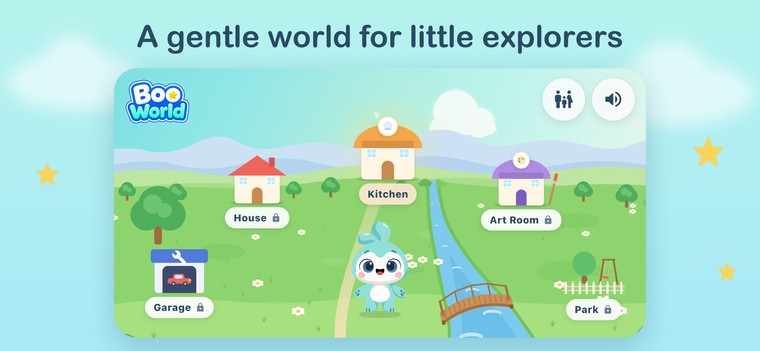
Simple drag-and-drop games in a safe place, with Boo by their side.
Ages 2-5 · No ads · Parent controls
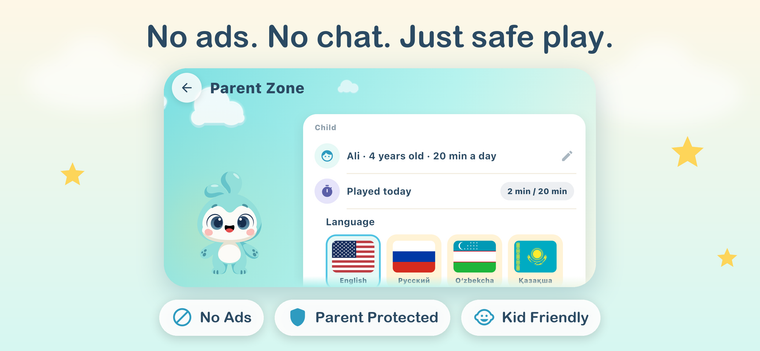
Nothing outside the app a child can tap.
Settings and purchases need a grown-up to solve a sum.
Set 10 to 60 minutes a day. Boo goes to bed when time is up. A parent can add minutes.
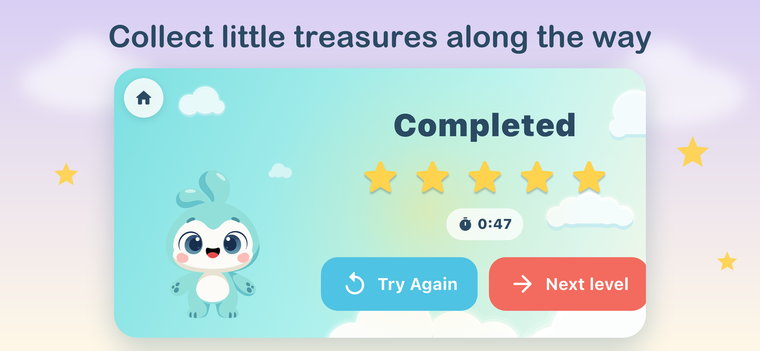
Big objects, one goal per screen, no fail state, no timers that punish.
10 levels, 78 stages
Sort fruit into bowls, fill baskets by colour and size, cook soups from a recipe, count, remember, wash then cook.
Levels 1-5 are free. Premium opens 6-10 and every new place we add.
New places arrive with each update
Free levels stay free. Premium unlocks the rest, now and in every update.
Prices vary by region. Subscriptions renew automatically until cancelled in your Apple ID or Google Play settings. Family Sharing supported on Apple devices.
Download Boo World

Boo is a curious little friend who cheers every small win and never scolds.
Kids can't read yet, so Boo shows instead of tells.
Tap the grown-ups button at the top of the map and solve the sum with the on-screen keypad. The gate keeps settings and purchases away from little fingers.
Parent Zone → Child → Edit. Choose 10 to 60 minutes a day or "No limit". When time is up, Boo goes to bed. A grown-up can add 10 or 20 minutes or lift the limit for the day from that screen, again behind the gate.
Kitchen levels 1-5 (26 stages). Premium unlocks levels 6-10 and every place we add in future updates.
Open Parent Zone → Restore purchases, or the Premium screen → "Restore purchases". Make sure the device is signed in with the Apple ID or Google account that made the purchase. On Apple devices, being in the same Family Sharing group also works.
On the iPhone: Settings → your name → Subscriptions → Boo World. On Android: Play Store → your profile → Payments & subscriptions → Subscriptions → Boo World. Cancelling keeps Premium until the end of the paid period. Deleting the App does not cancel a subscription.
The store handles them. Apple: https://reportaproblem.apple.com. Google Play: https://support.google.com/googleplay/answer/2479637.
English, Russian, Uzbek and Kazakh. Belarusian and Ukrainian are coming. Change it in Parent Zone → Language.
No. There are no accounts, no ads, no analytics. Settings and progress stay on your device. See the Privacy Policy.
That screen means the App tried to open something that does not exist, usually after an update. Tap Home. If it keeps happening, write to us.
Android: yes, Boo World is on Google Play. iPad: planned.
Something else? Write to us at hello@mirzaev.uz